S9xxx_4G_ICEWM_MATE_XFCE_LXDE_LXQT_20170122.img.xz from here.
This image contains 5 desktop environments. Each one as gorgeous as the next. 
1.) Mate(default)
2.) XFCE4
3.) LXDE
4.) LXQT
5.) ICEWM
To use this image, follow the steps above to prepare and run the SD card. Except login Info, it has a different password than other images.
User: root
Password: 1q2w3e4r
Note: WiFi working. BT not working for me(so far). External BT adapter works.
When booted it will be at the Mate desktop.
-Once at the desktop, if not installed, install gparted(sudo apt-get install gparted). Use it to resize the Ext partition on dev/sda to fill the card’s available space. Ext will be on /dev/sda.
To boot to one of the other DEs follow these easy steps…
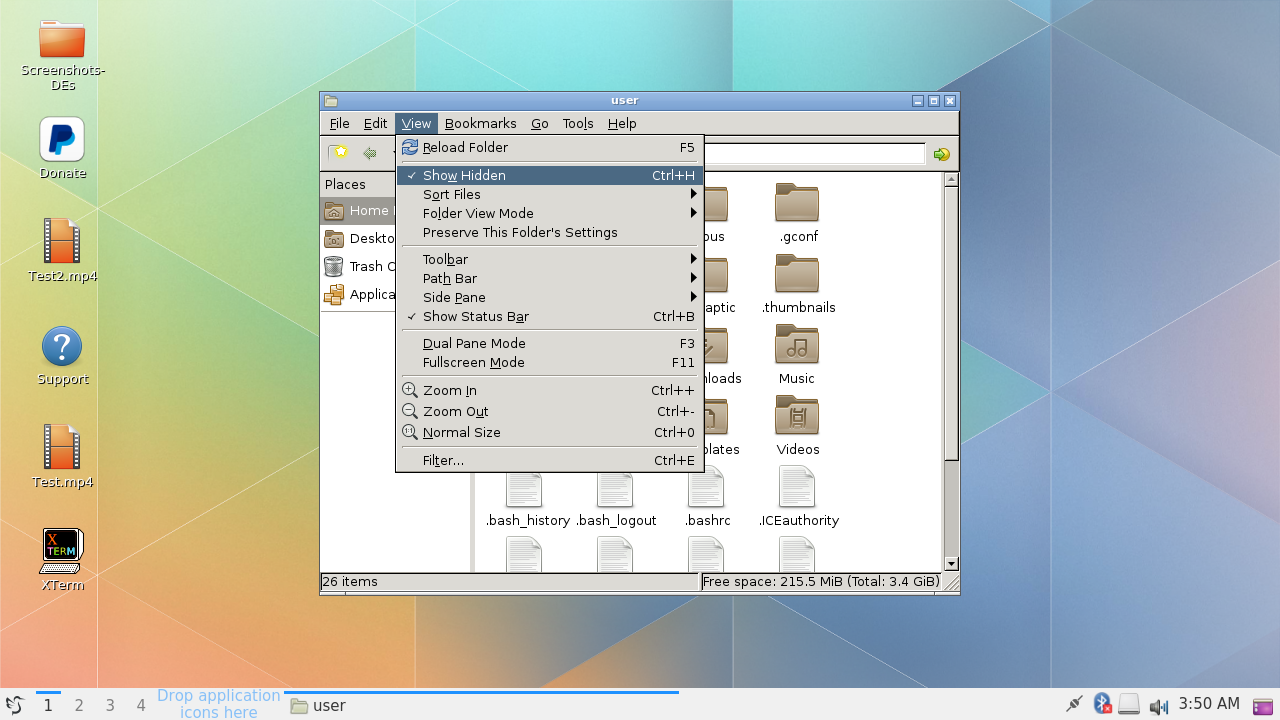
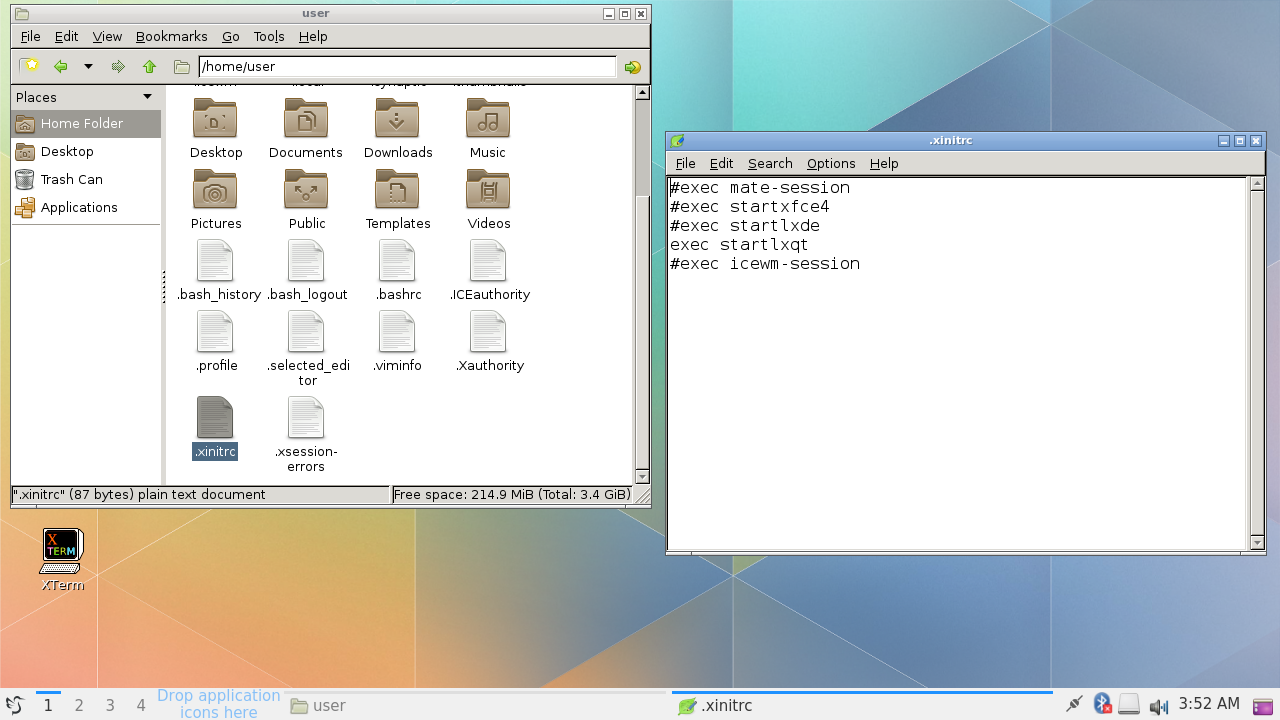
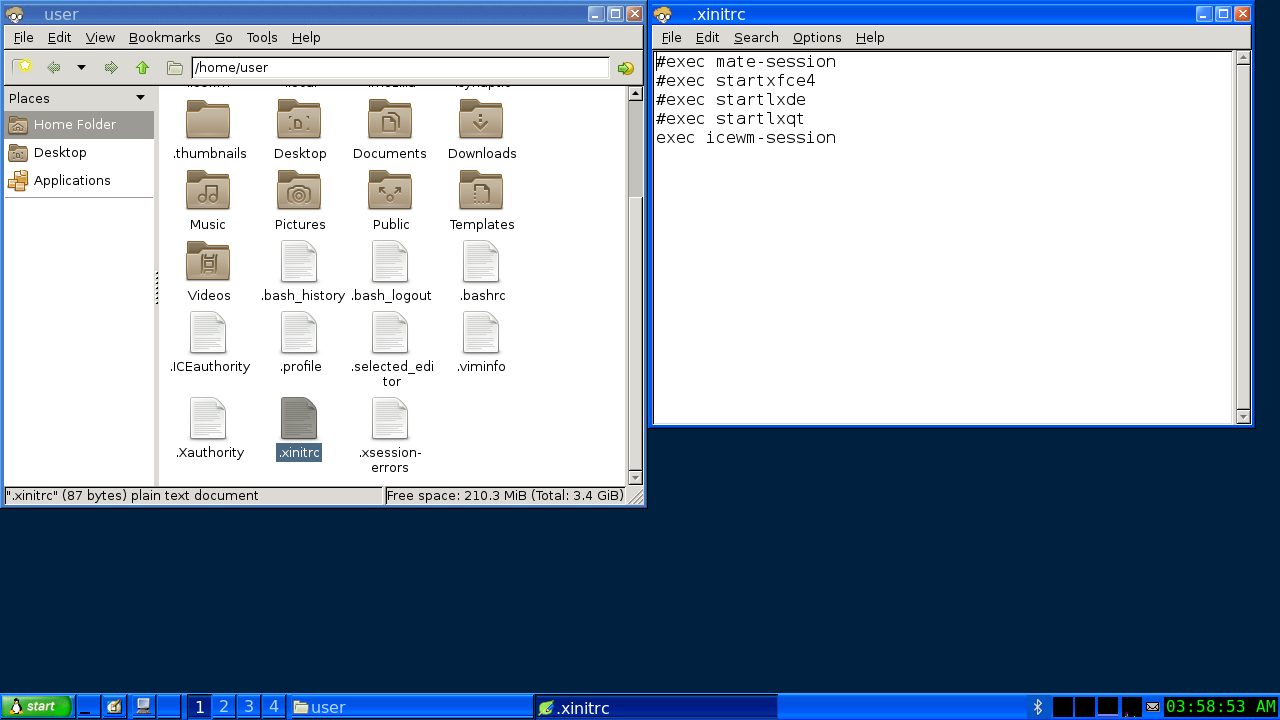
1.) Open the file manager and navigate to the user directory(Home). Under the “View” tab, make sure, “Show hidden files” is ticked(on).
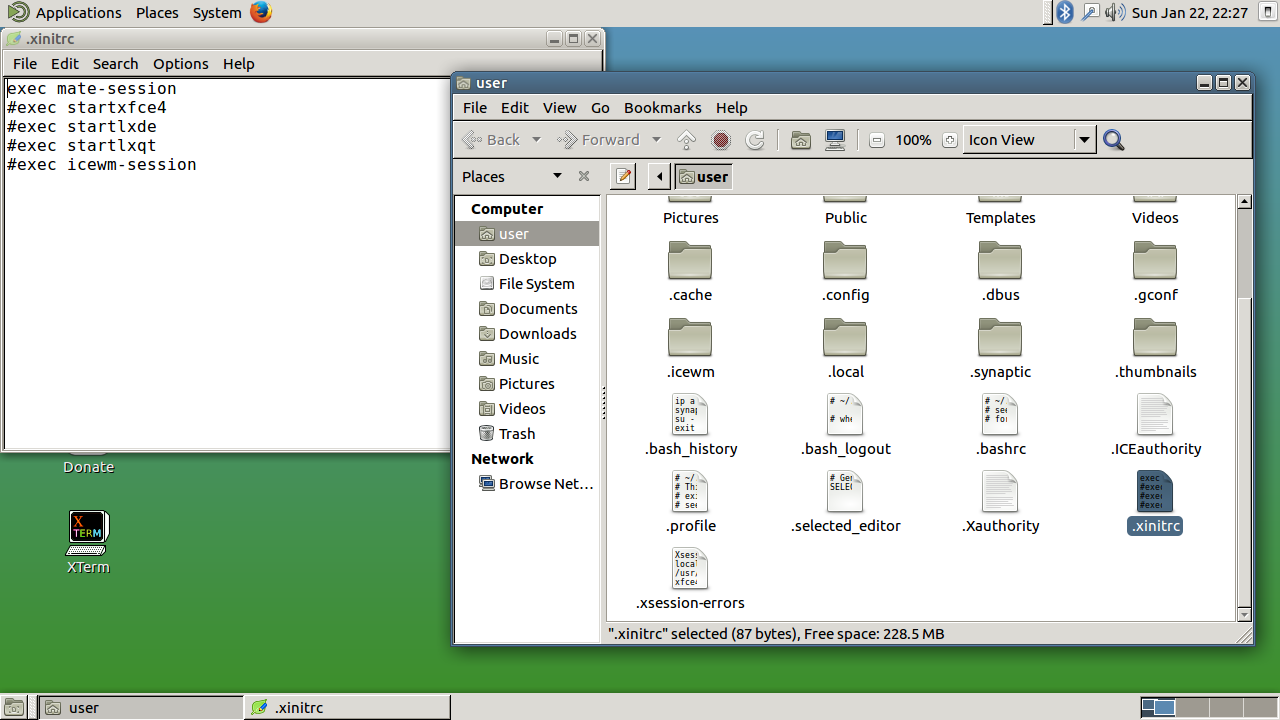
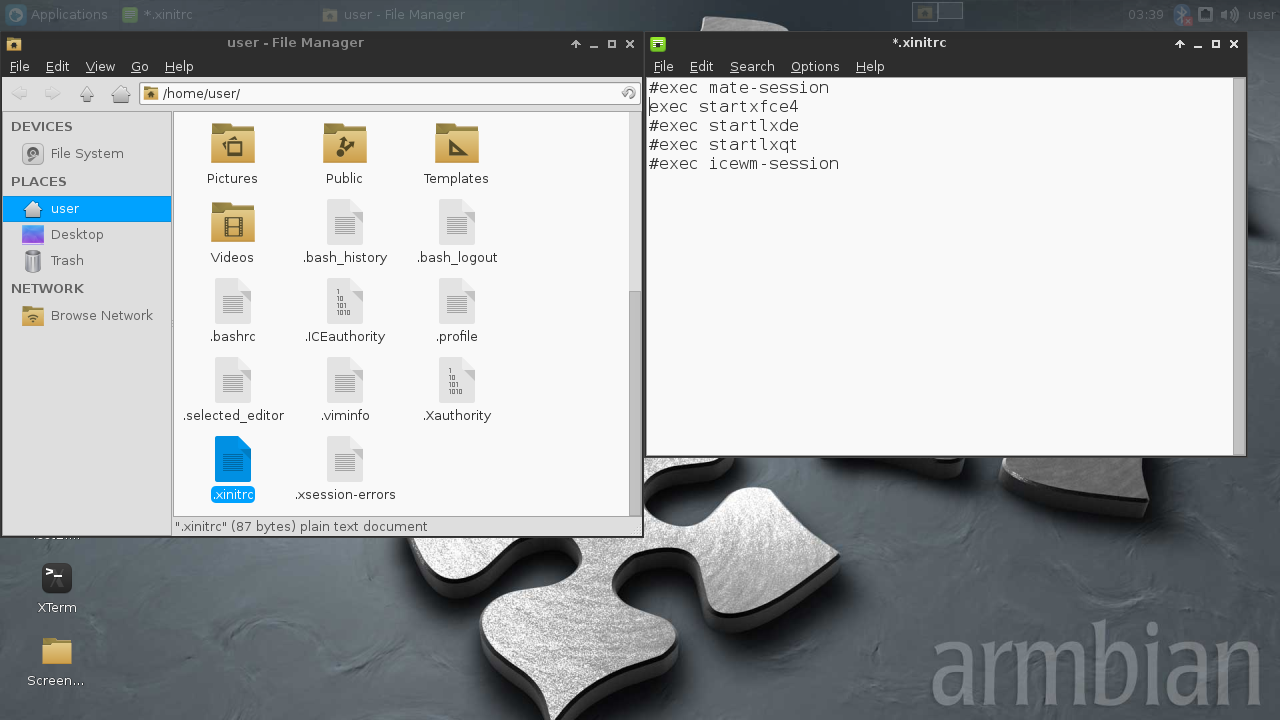
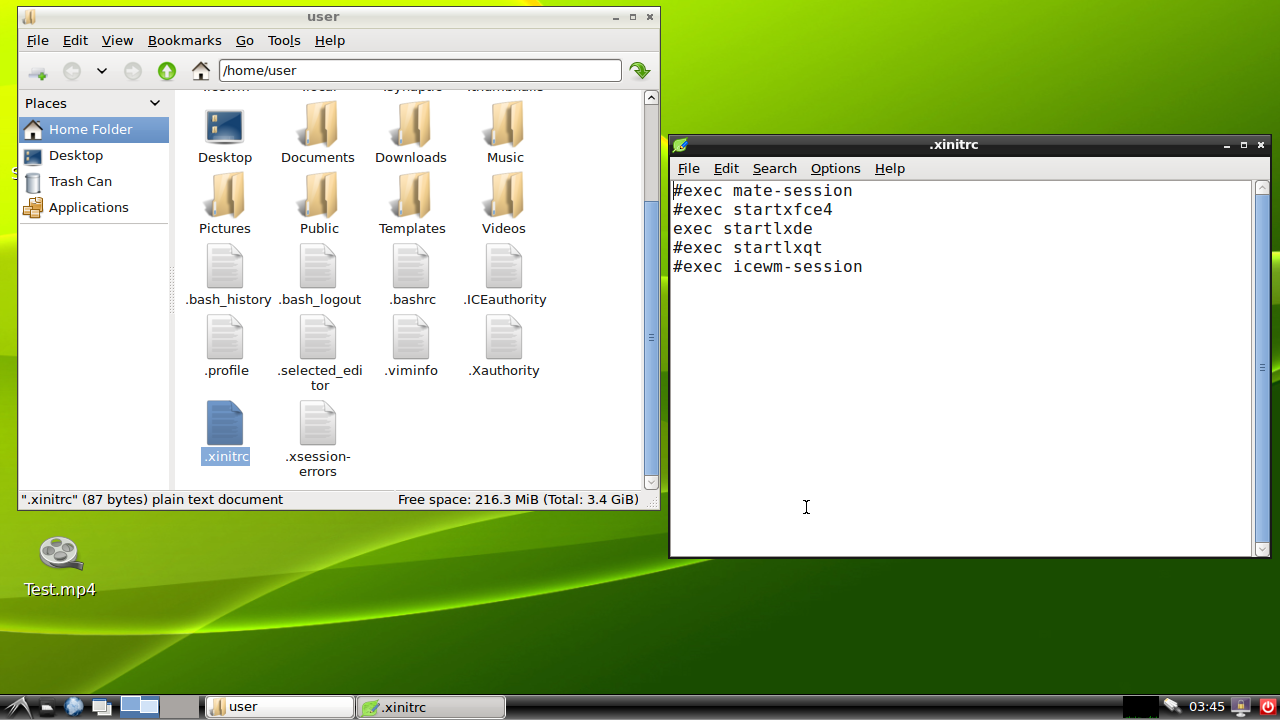
2.) Locate the file, “.xinitrc” and open it with a text editor(Leafpad, Vim, etc).
3.) Uncomment the line that shows the DE you want to boot to, and comment the mate-session line.
4.) Save the file and reboot the Vim.
5.) Good job, you did it.
6.) Many thanks to Balbes150 for making it easy enough for me to do it.
Screenshots below for each example…