Yes, Samsung is too expensive to use with speed limits
I believe more SSD’s will be able to work with VIM3 boards once we will get a mainline kernel… Checked NVMe drivers in 5.X Linux branch - some many things changed. At least my cheap Silicon based NVME SDD started to work (there is quirk for it in mainline) in mainline kernel. So AOSP seems to be a solution - hoping Khadas team will be able to roll it out 
3 Likes
Hi @hyphop and @Electr1 can you please confirm the WD Blue SN550 works on the VIM3 and have personally known this to be the case? I have a VIM3 Pro currently on its way to me and was going to buy a drive and that seems excellent value. I intend to run the latest Armbian. I saw another user say it didn’t work VIM3 NVMe SSD Detection Failure. Multiple solutions attempted
Thanks
1 Like
YES ! like other drives from WD Blue series works well
2 Likes
Thanks very much, especially for how quickly you got back
1 Like
[About ADATA XPG SX 6000 PRO 256GB] (XPG SX6000 Pro PCIe Gen3x4 M.2 2280 Solid State Drive)
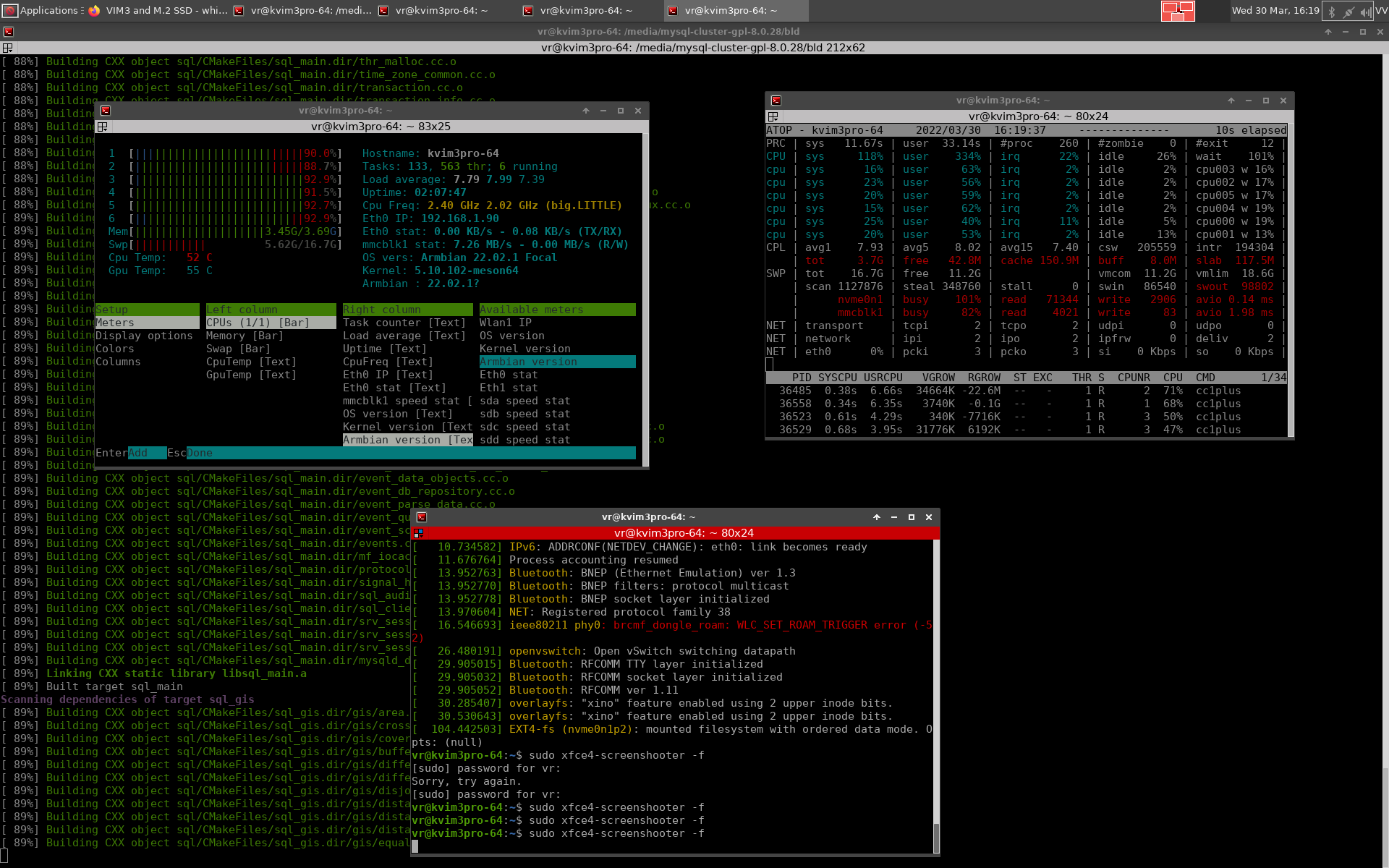
I thing that the screenshots say enough.

working well at least
the armbian is on the sd card , the swap is partition on the nvme disk and i am compiling mysql_cluster.
it is writing at the same moment on the sd card , on the ext4 partition on the nvmedisk and on the swap partition of the nvme disk.
working stable and well .
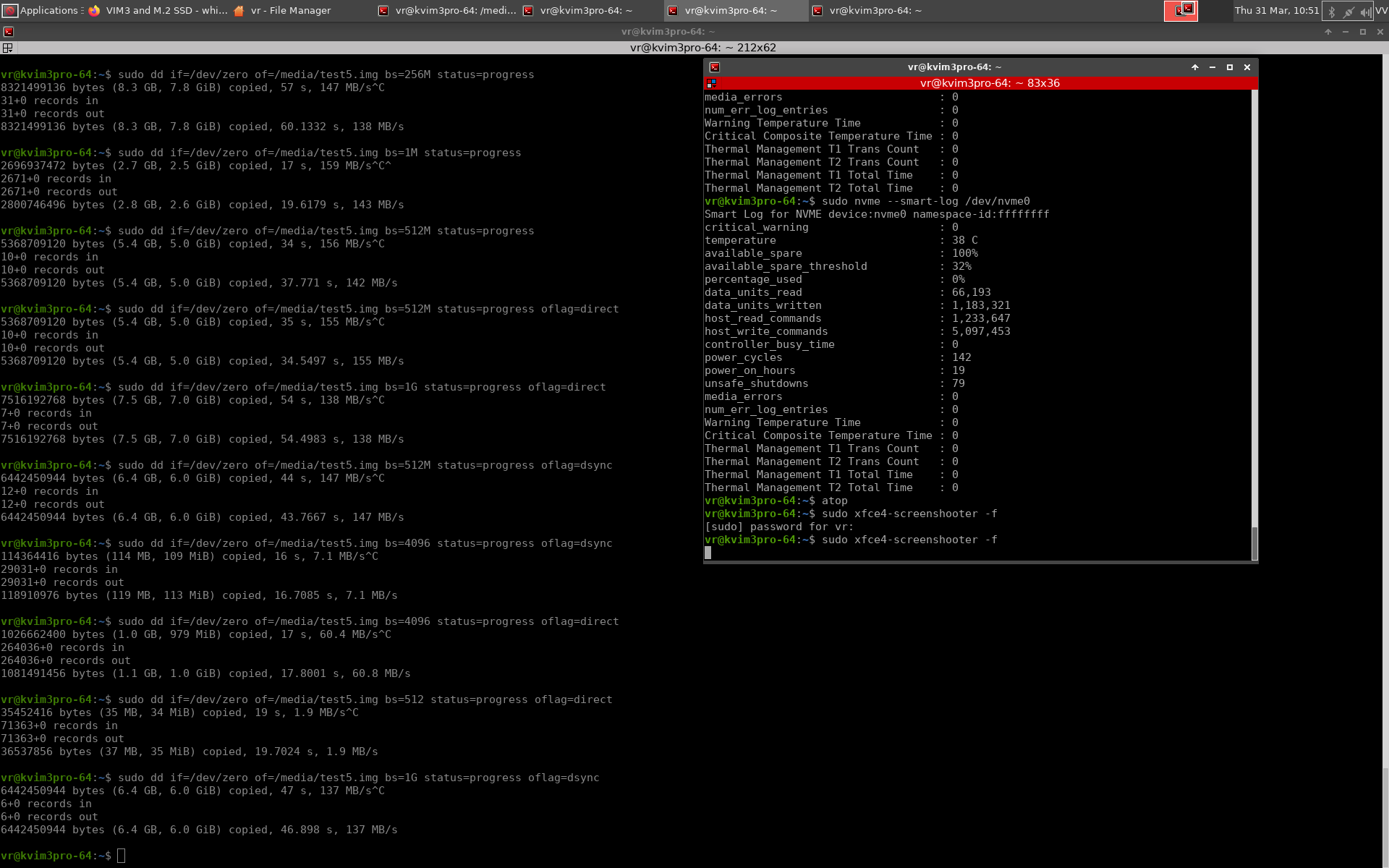
on the test with dd command write and read speed is about 500MB per second
Do you have
$ hdparm -tT /dev/yournvmedevice
I have the 970 evo and 960 on the Vim3 and a WD NVMe on another Vim3 and just curious how the brand you are using compares to what we have here.
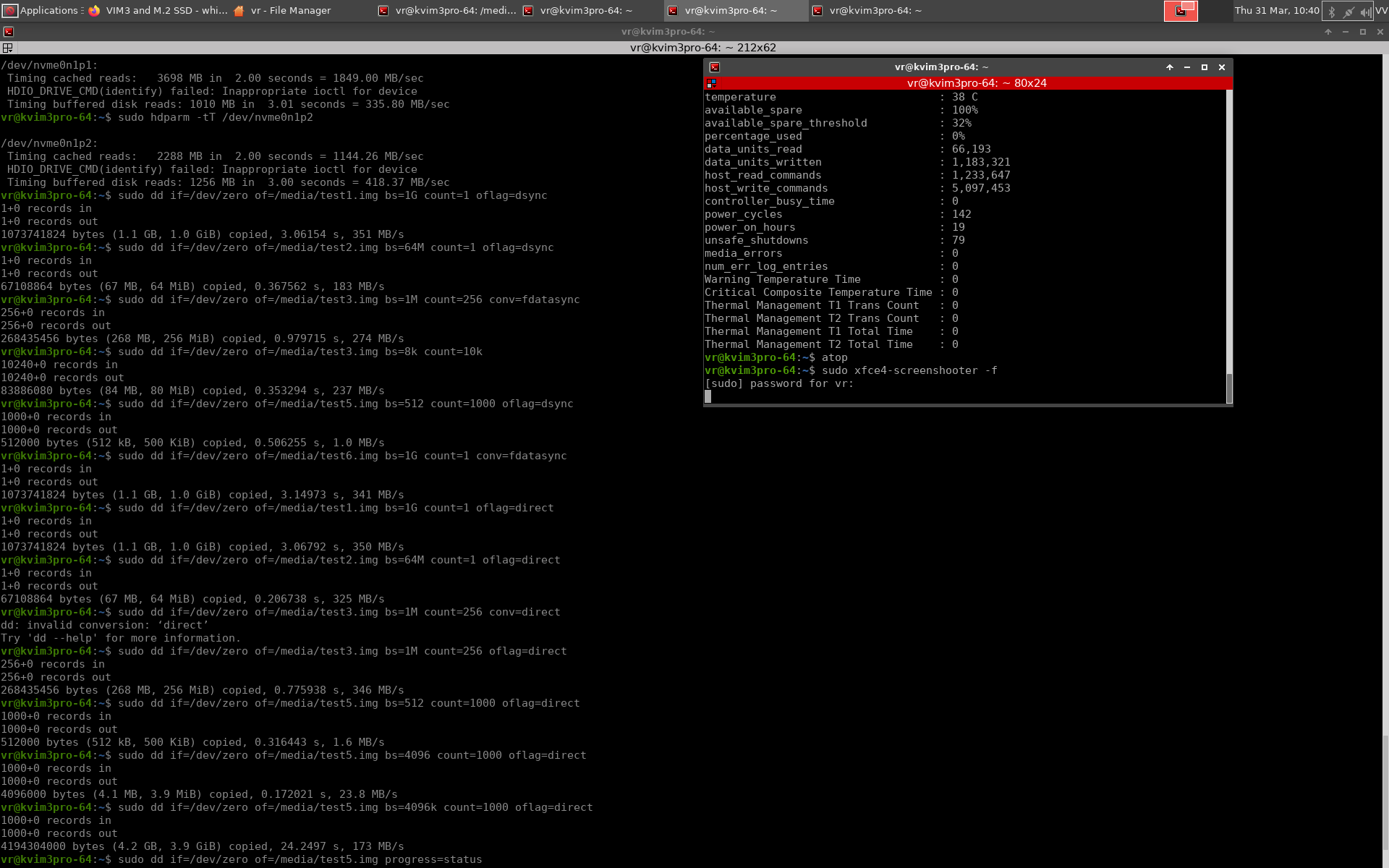
actually i should find again the tool that i have tested it yesterday , maybe it depends form setting obviously
but …that is for now
Hi, what’s the status of the mainline kernel with M.2? is it enabled or just for 4.9?
@manuel-arguelles It work normal with mailine kernel . Our test SSD model is Samsung 970/980.
1 Like
ohhh transfer speeds are so low (
@hetoc With mainline kernel ? I will find time to test it next week.
Hi, something odd happened. I plugged an nvme drive while using the mainline version of Ubuntu, it didn’t show anything, so I just forgot about it and moved on (while leaving it plugged).
This was an old installation of ubuntu gnome and I wanted to try something more up to date, I wanted to try a rolling distribution (Manjaro), but something was different today: lsblk showed the nvme drive, I was able to re-partition and format it.
After that I moved on with the plan and installed Manjaro (minimal) via krescue sd, upgraded it and found that I don’t have nvme anymore, dmesg doesn’t show anything (actually not really sure what to look for, but nvme doesn’t return anything).
How can I debug or get more information? is there a kernel module that needs to be loaded or similar?
Thanks
After updating uboot to the SPI using krescue it works fine! the model is: ADATA SX6000LNP.
$ sudo hdparm -t --direct /dev/nvme0n1

/dev/nvme0n1:
 Timing O_DIRECT disk reads: 1254 MB in  3.00 seconds = 417.83 MB/sec
This document link gives a 404 error. I require this data also. I am running the latest version of Armbian configured for Khadas VIM3 if that is of any use.
Cna anyone confirem that Western Digital M.2 WD Blue SN550/SN570 works without screen flicker in the latest version of ambian Armbian_25.2.2_Khadas-vim3_noble_current_6.12.15_kde-neon_desktop.oowow.img.xz ??? I have a vim3 pro.
The flicker issue can be fixed with add command line bootargs pci=pcie_bus_perf
Thanks for getting back to me. I had already seen that post and made the change. I seems the problem may lie elsewhere. I’ve tried many distros and always the same. I was connected to sony bravia at 4k (not really 4K) scaled x 250%. I flickers bad under load so I move it to an hp e24 monitor and suddenly NO FLICKER.
But the really good news is, I managed to get Fedora 43 (rawhide) running on my vim3 pro. I’ve never seen this sbc run this well! I’m totally surprised.