Which system do you use? Android, Ubuntu, OOWOW or others?
Khadas Edge 2 with Edge2 station on Android 14
Which version of system do you use? Please provide the version of the system here:
The latest Android 14 that OOWOW provides.
Please describe your issue below:
Video output issue
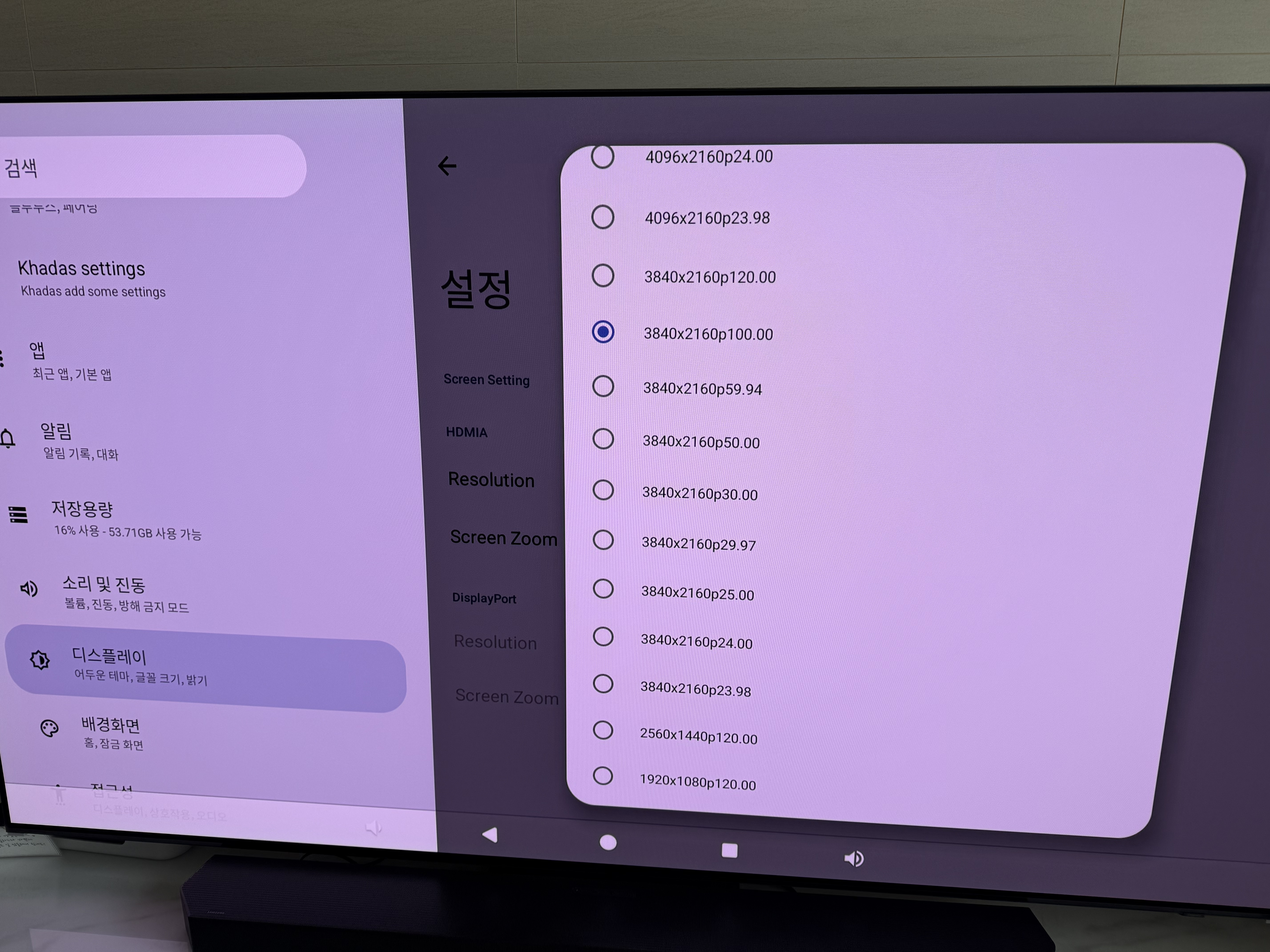
I connected edge2 to samsung sc95 via HDMI 2.1, but only 4k 100hz works not 120hz. I double checked the HDMI cable but I’m sure this is not a cable issue.
Audio output issue
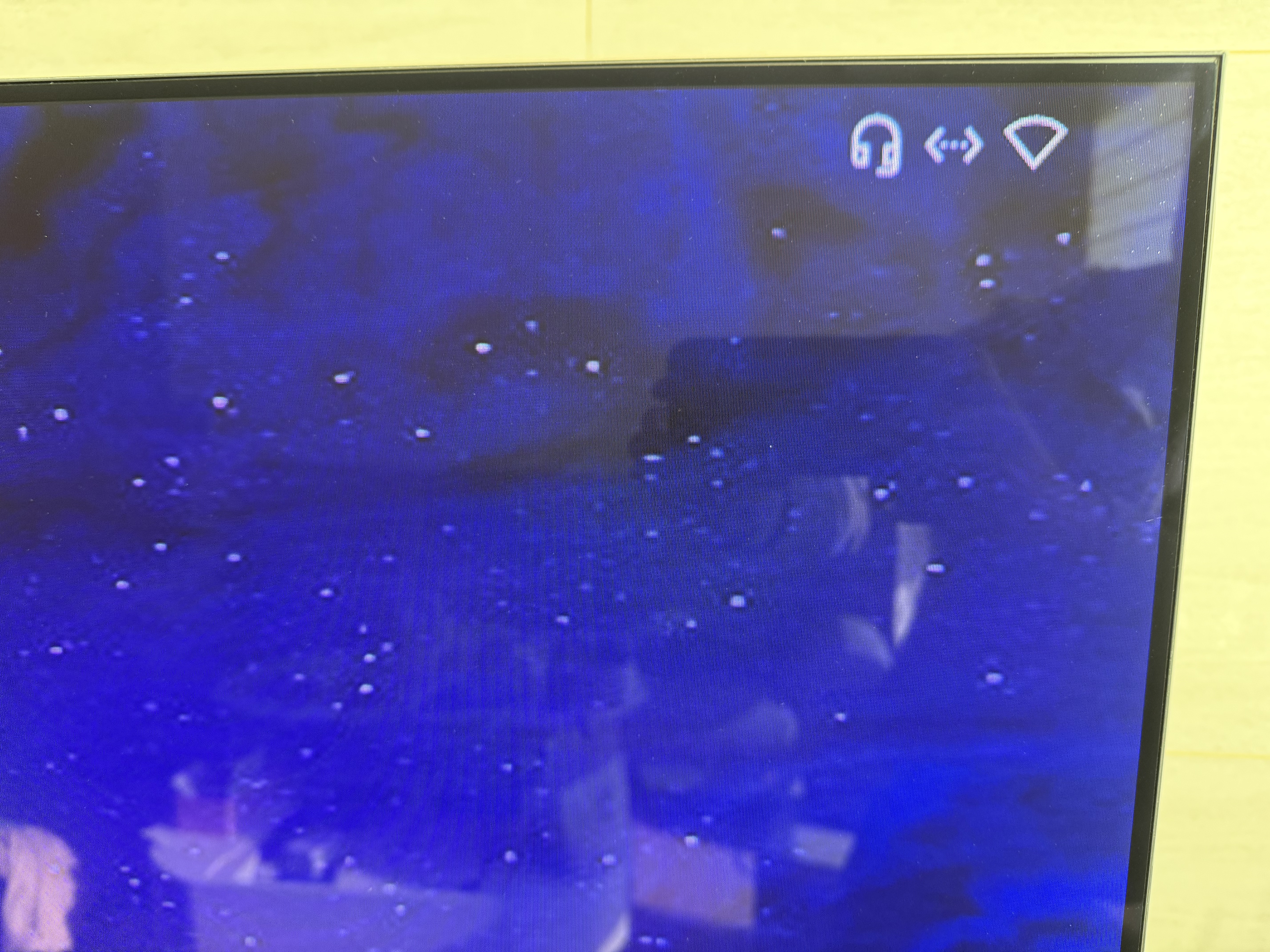
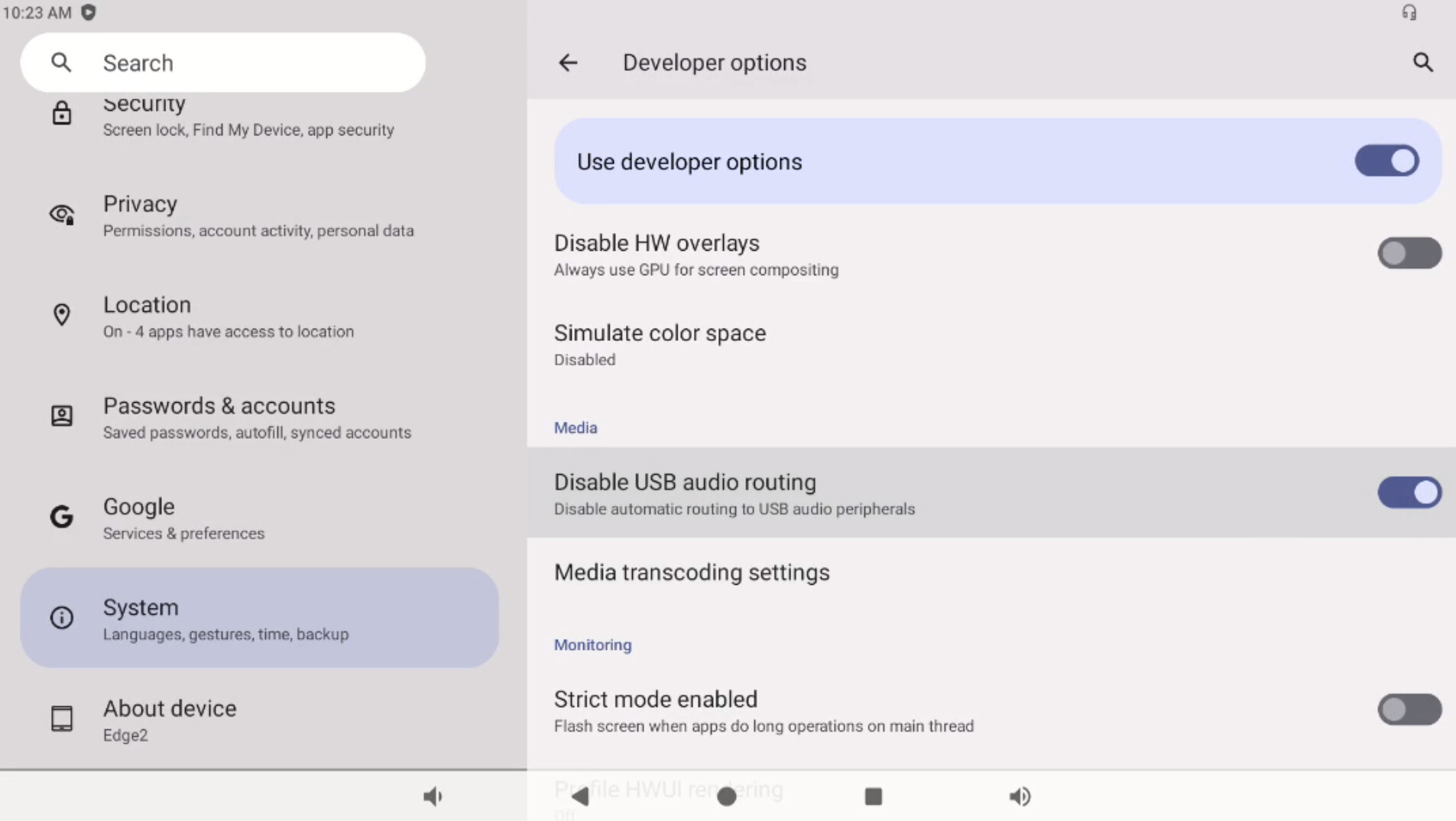
I am using edge2 along with station to use ethernet cable but audio does not go over HDMI. Audio output is forced to change to headphone jack of edge2 station.
Video output issue
I connected edge2 to samsung sc95 via HDMI 2.1, but only 4k 100hz works not 120hz. I double checked the HDMI cable but I’m sure this is not a cable issue.
=== we will check and feedback.
Audio output issue
I am using edge2 along with station to use ethernet cable but audio does not go over HDMI. Audio output is forced to change to headphone jack of edge2 station.
=== Could you take a picture and share with me. I check in my side the sound will still be output from HDMI.
Audio output is set to headphone jack only when edge2 pro is connected to edge2 station. I cannot change audio output to over HDMI in any android settings.
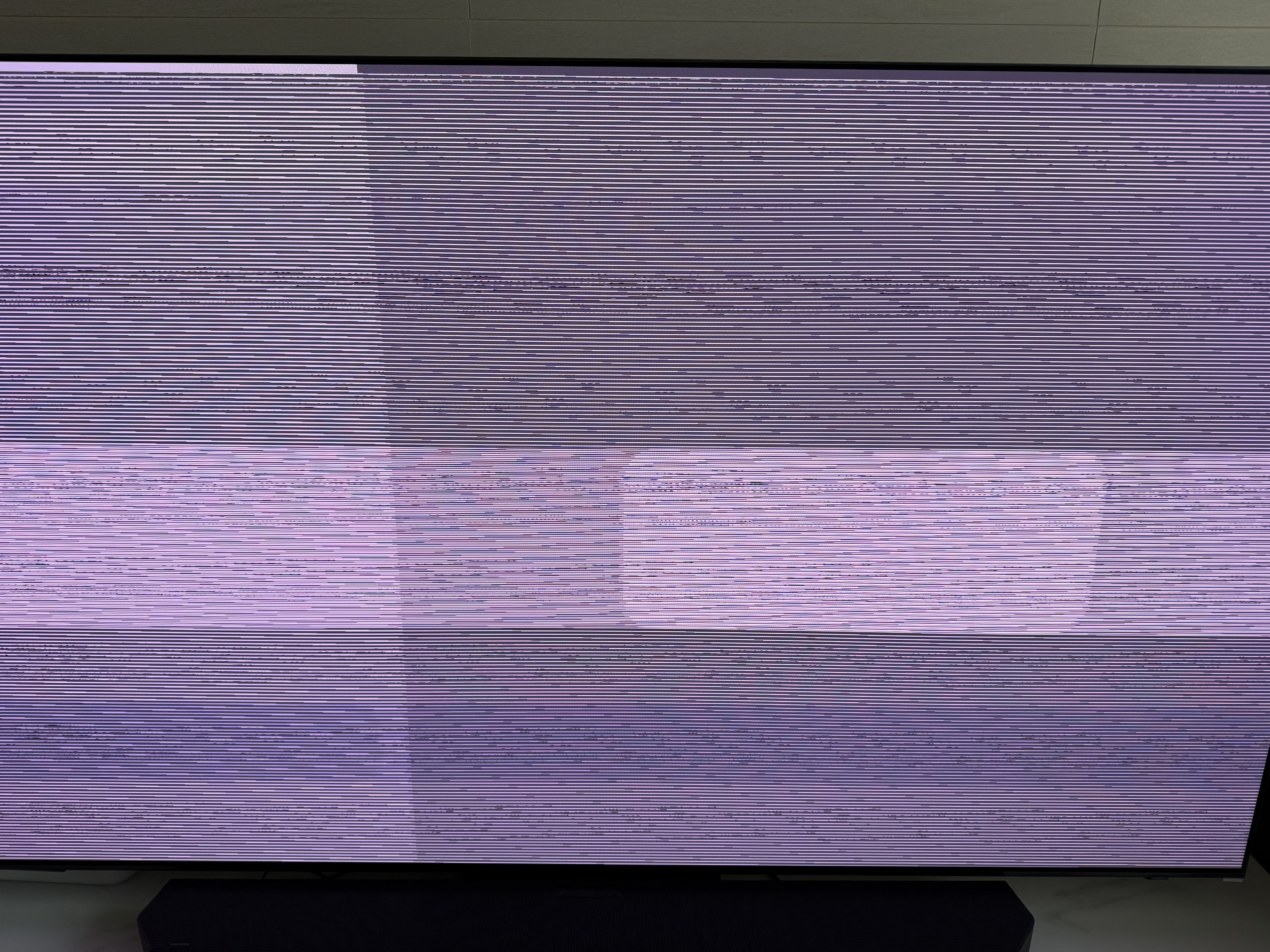
I just tested with 4k 144hz gaming monitor that I am using but results are same. So it looks like this is not an issue of TV or HDMI cable. Any Update?
Will downgrading android version solve this 4k 120hz output issue? I don’t need to use the latest version of android so downgrading can be an option that I can take. Please let me know how I can solve this issue.
We are still in the process of making modifications, and so far, we have only addressed the error reporting issue. After restarting, our 4K@120 display is no longer showing. It may take us some additional time to analyze the problem.
This feature is functioning normally in the Android 13 system. You can proceed with the Android 13 version for now.
@Nuno_Jun ,
Apologies, as testing revealed a new issue, it hasn’t been released publicly. If you need to update, I can provide the update.zip file to you. You just need to place it in the /sdcard/ directory and proceed with the update.
@Nuno_Jun ,
Thank you very much for your patience and attention. The issue we mentioned earlier regarding HDMI+DP+MIPI multi-screen simultaneous display still persists.
Over this period, we have made many attempts, but the problem is quite unusual. We are now considering upgrading the entire SDK codebase.
We are evaluating and planning to carry out this SDK upgrade and will release a new official version afterward.
I know you’ve been following this issue closely. We’d like to offer you an informal version in the meantime, hoping you’ll be okay with it and that it won’t affect your use of the product.