Test build of Lineage 21 (a14) ATV for VIM3L

Here is test build of Lineage 21 ATV (android 14 based).

Latest build 20250320:
*Khadas IR remote support added
upgrade image: vim3l-lineage-21-20250320.7z — Яндекс Диск
ota package: lineage-21.0-20250320-UNOFFICIAL-kvim3l.zip — Яндекс Диск

sources:

Everything seems to work on base VIM3L, not tested any extensions, please report your experience.

Older builds:
initial build 20250316: vim3l-lineage-21-20250316.7z — Яндекс Диск

1 Like

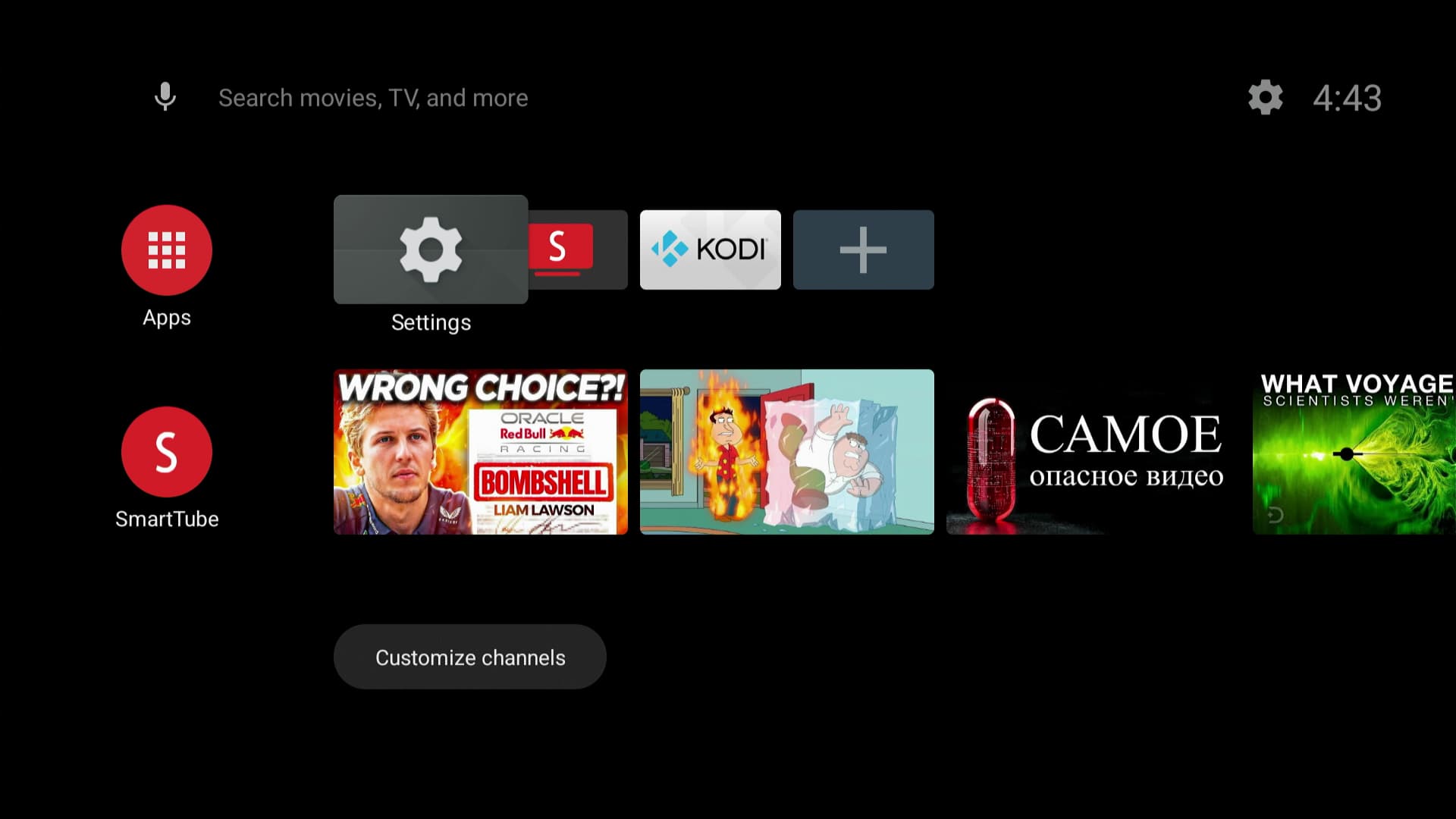
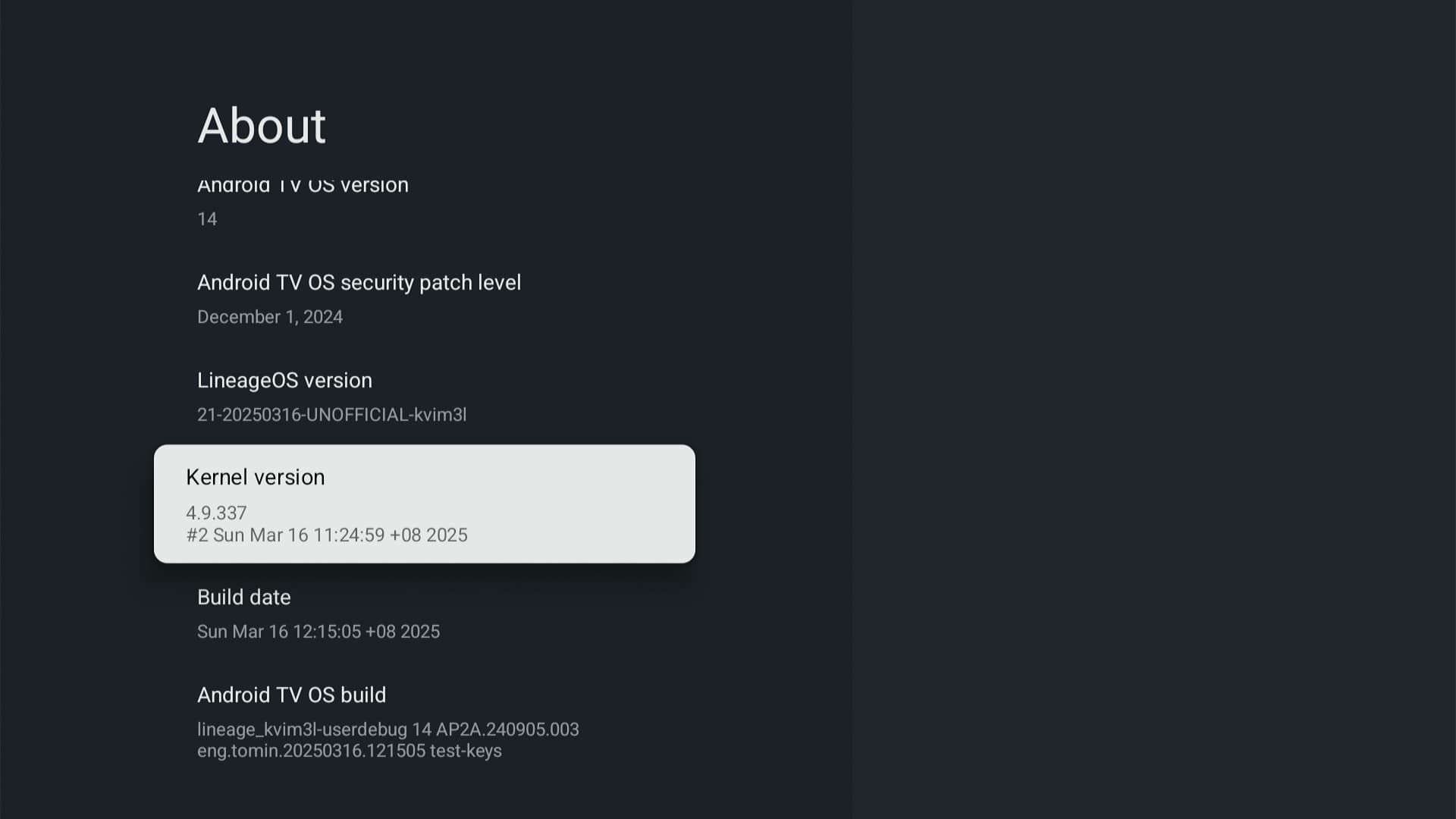
Here is some screenshots:


1 Like

Hello @HighwayStar

Thanks for your effort.

Updated build, turns out I forgot to add Khadas remote in first test build, now added support for it. Links in first post.

1 Like

hello, thank you for your work.

how can i install playstore atv please?

i’ve installed this “upgrade image: vim3l-lineage-21-20250320.7z — Яндекс Диск

You can get MindTheGapps ATV package here Google apps | LineageOS Wiki

you will need LineageOS 21 (Android 14) arm version. It could be installed using recovery over installed lineage build. You will have to wipe user data to migrate to google version.

1 Like

Thanks for your quick answer.

Ok last question just to be sure of the process:
1/ install your image
2/ launch it
3/ copy the gapps on the device
4/ reboot on the recovery
5/ flash the gapps
6/ reboot normally

maybe i need to activate dev mode and root?

am i right?

You may first boot to recovery by pressing recovery key after flashing upgrade image. Or you have to wipe user data after installing Gapps before rebooting to system.
1 Like