Hello @Thelord_Omega
You can restore the OOWOW with the online scrip, please check:
curl dl.khadas.com/online/rockchip-burn | sh -s - oowow --refresh --write --spi
where do i put this? like on windows ?
also you guys’s work on waydroid compatible image is awesome i just wanted to tell you i tested it and everything worked perfectly on it…
Execute on a linux host PC.
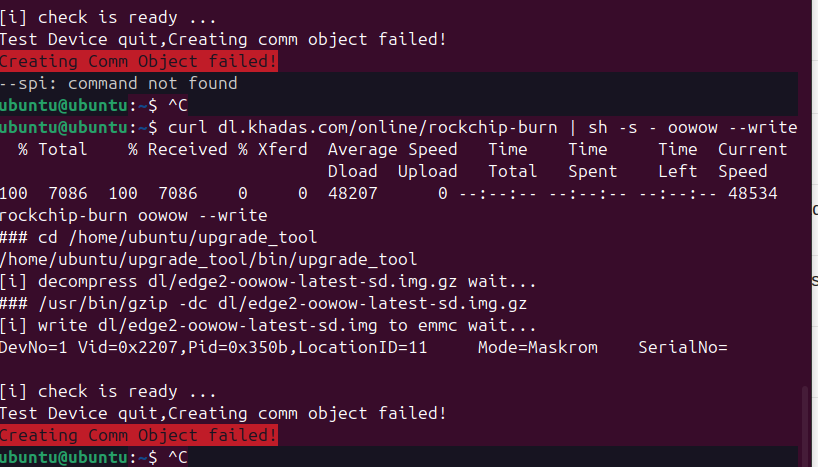
Hello @Thelord_Omega
Please try to install the OOWOW to SPI Flash.
curl dl.khadas.com/online/rockchip-burn | sh -s - oowow --refresh --write --spi
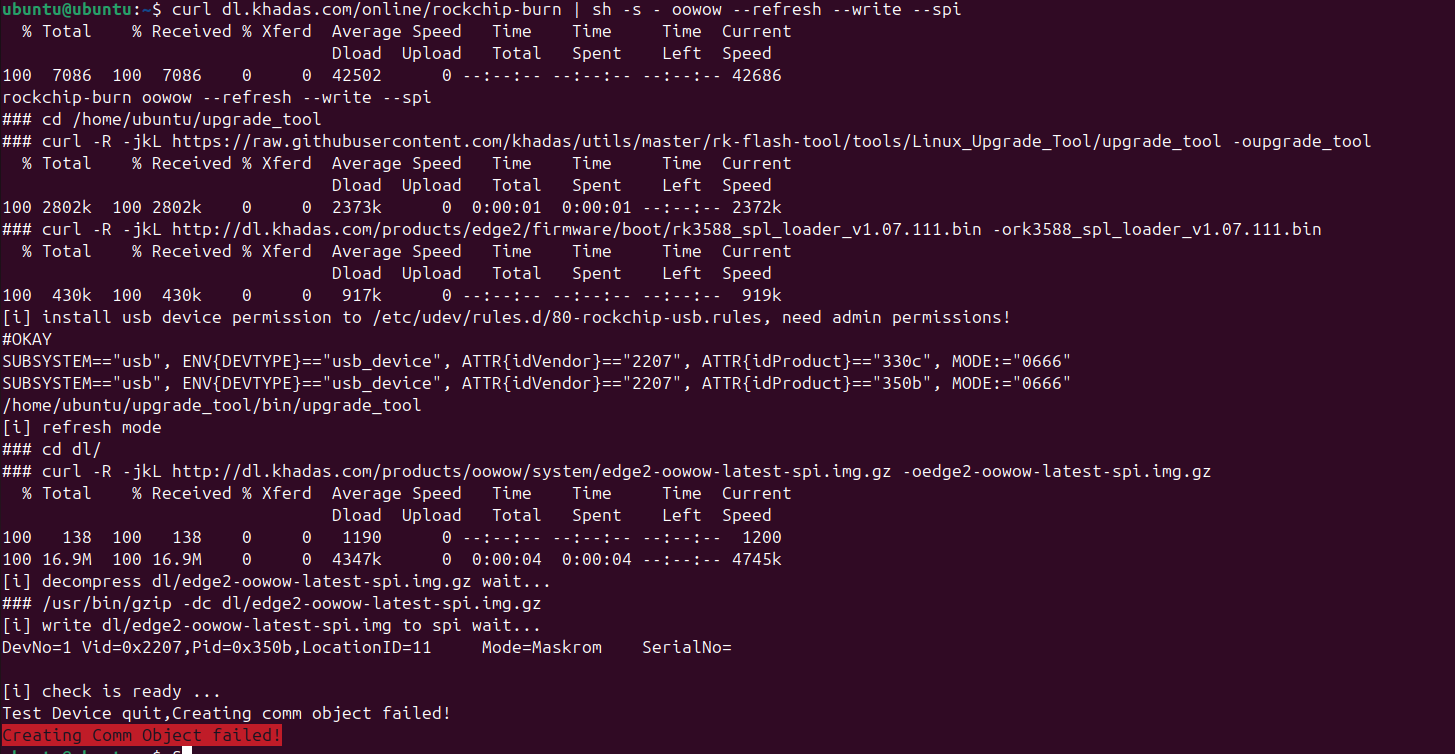
i ran it another time and it did it ? but when i try to boot oowow from the khadas itself it still doesnt work… im still stuck booting into android … is there something else im suposed to do?
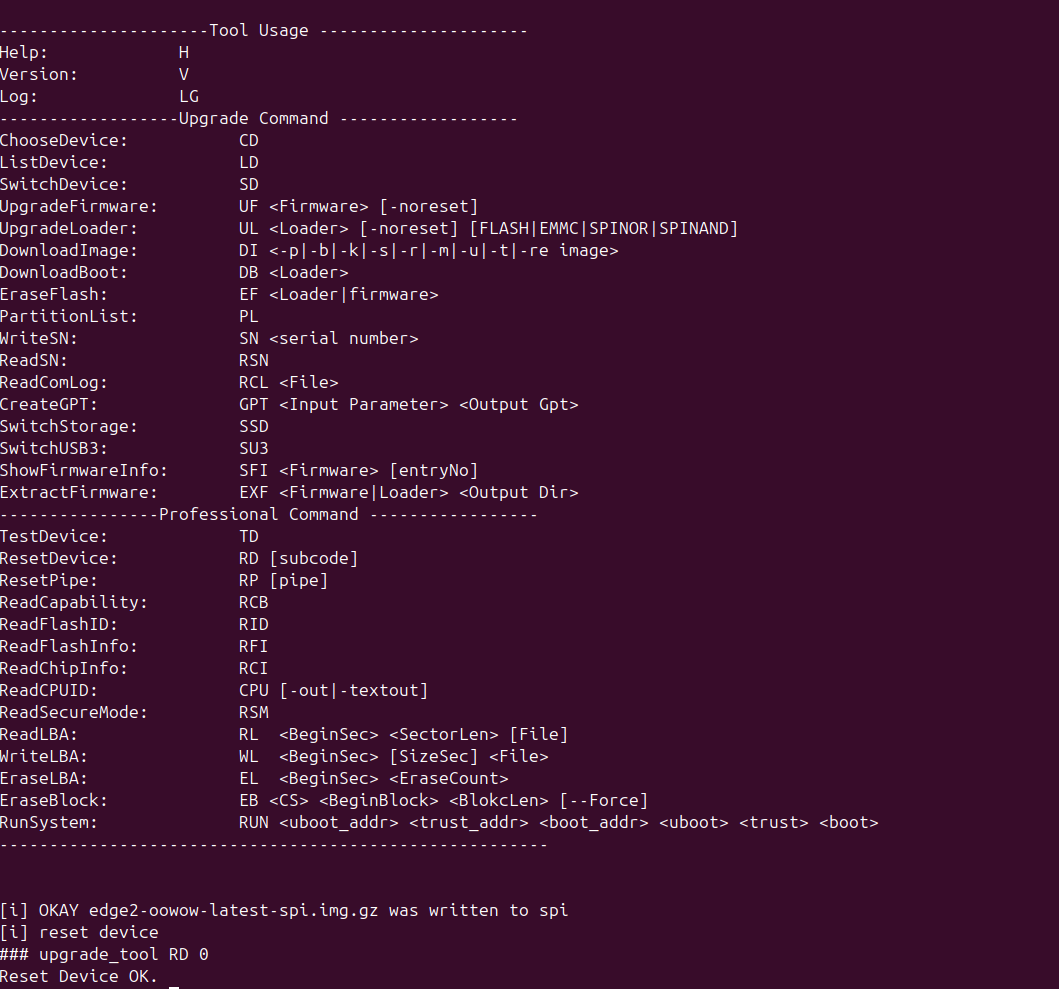
Hello @Thelord_Omega
You can press the Func key and then RESET the board to boot into oowow.
i did it it sill wasn’t working… it still boots into android directly even if i do func and reset in the correct way….. what is the issue? i thought it was because oowow got deleted somehow but i guess its not that?
please is there a way to fix?
Hello @Thelord_Omega
Maybe you can contact our after-sales team for help.
i did send them 2 weeks ago and there response was to ask here, i need to fix this urgently as i can’t use android for my work and my other computer is in repair too, is there a way to “factory reset “ it and have oowow redownloaded?
Why not use android? You can ignore the oowow and just use usb flash tool to install the image to eMMC.
Thanks that worked …. linux works but is there no way to recover oowow for later?
really appreciate it
Not sure why oowow not working on your side.
But you can also try to erase the eMMC storage and then follow the steps above to install oowow to SPI Flash to check again.
- Boot to linux command line and erase the eMMC sorage
sudo dd if=/dev/zero of=/dev/mmcblk0 bs=1M count=128
- Write oowow to SPI Flash
curl dl.khadas.com/online/rockchip-burn | sh -s - oowow --refresh --write --spi