Which system do you use? Android, Ubuntu, OOWOW or others?
Windows 11 Home 64-bit on a Khadas Mind 2 (K1018) connected to a Khadas Mind xPlay portable display.
Which version of system do you use? Please provide the version of the system here:
Windows 11 Home 64-bit. The Intel Arc Graphics driver had been updated shortly before the overheating issue started.Please describe your issue below:
Hello,
I am experiencing an unusual display issue with my Khadas Mind xPlay.
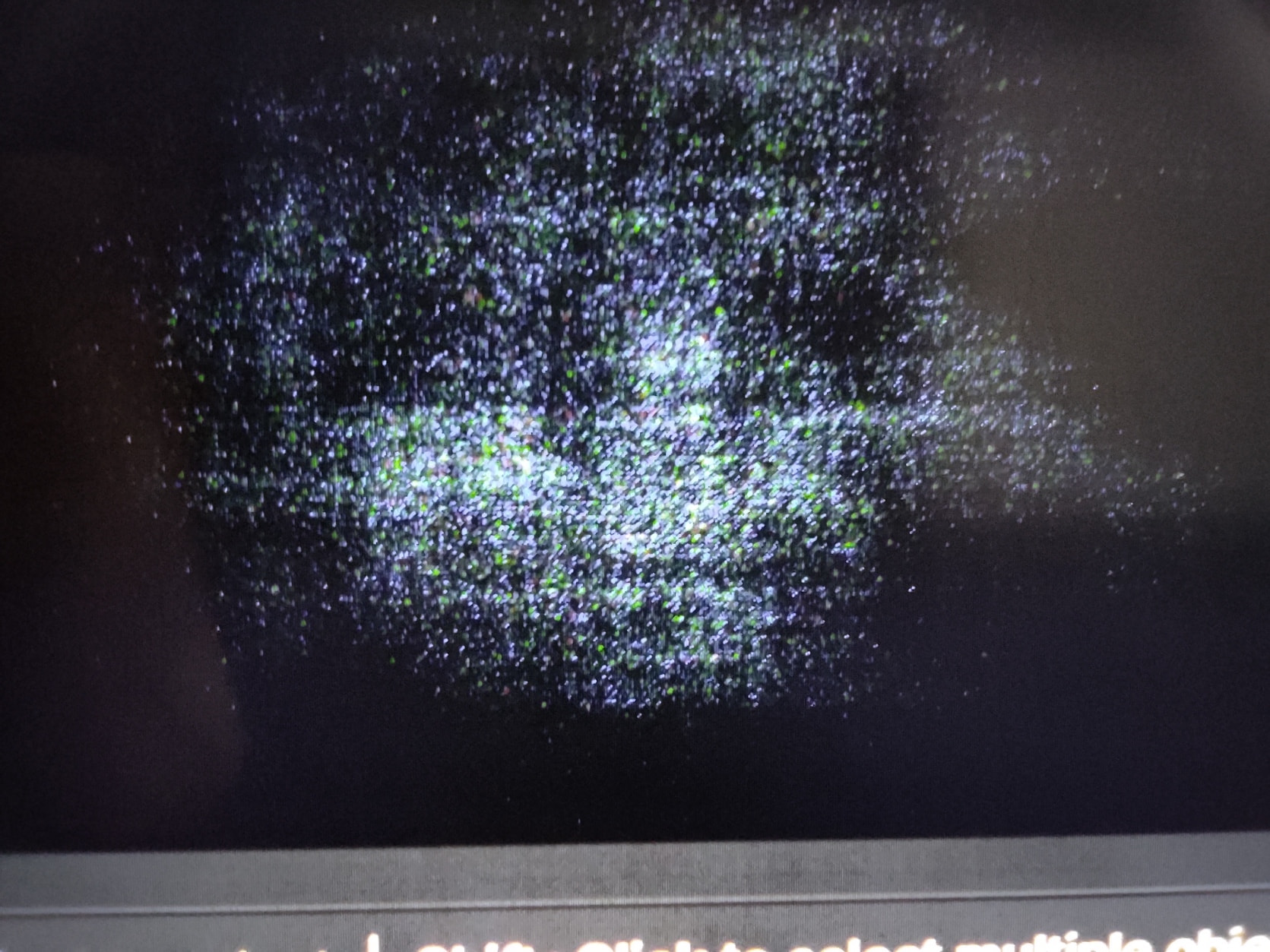
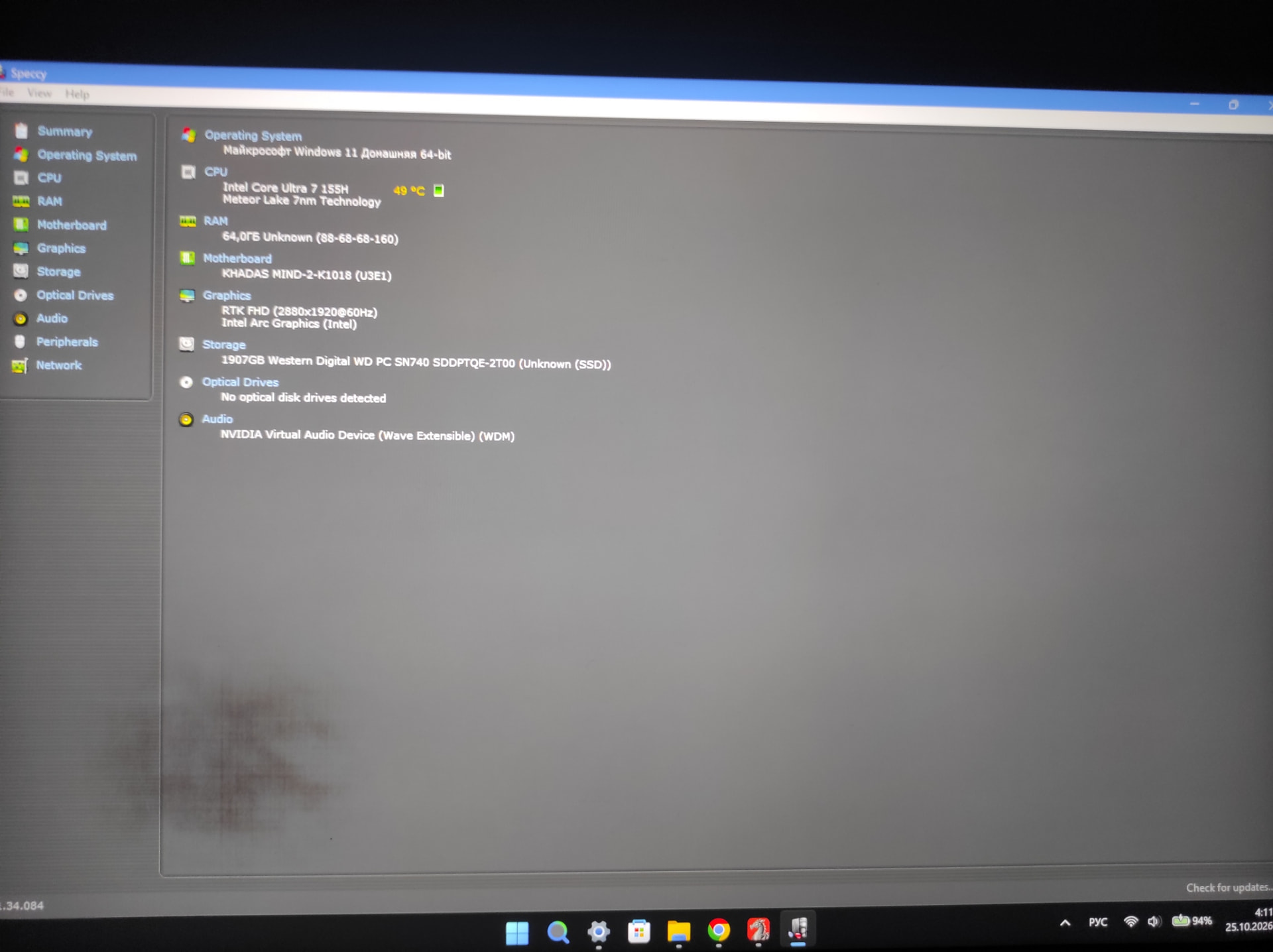
A discolored patch has appeared in the lower-left area of the display. Initially, it looked yellowish-green on a uniform gray background, but over time it gradually became darker and reddish-brown.
The patch changes its appearance depending on the colors displayed on the screen. When I draw colored shapes in a graphics editor, the affected area can appear as bands that change their appearance along with the displayed colors.
Around the same period, my Khadas Mind 2 began overheating and unexpectedly shutting down. It took me 11 days to identify the cause of the overheating. During this time, the discoloration on the XPlay display gradually became darker.
After investigating the issue, I discovered that the Intel Arc Graphics driver was responsible for the overheating problem. I reinstalled the driver using the clean installation option, and the overheating issue improved.
However, the display discoloration remains a concern. I suspect that temperature may affect its appearance, but I cannot confirm this.
I would like to know whether this issue could be related to the LCD panel, display controller, internal connections, or another hardware component.
Has anyone experienced a similar issue with the Khadas Mind xPlay?
Could Khadas Support advise me on how to diagnose this issue and whether a warranty inspection or replacement is possible?
I can provide photos showing the discoloration:
Thank you.
Post a console log of your issue below:
Not applicable. This is a visual display issue, and I do not have a relevant console log.