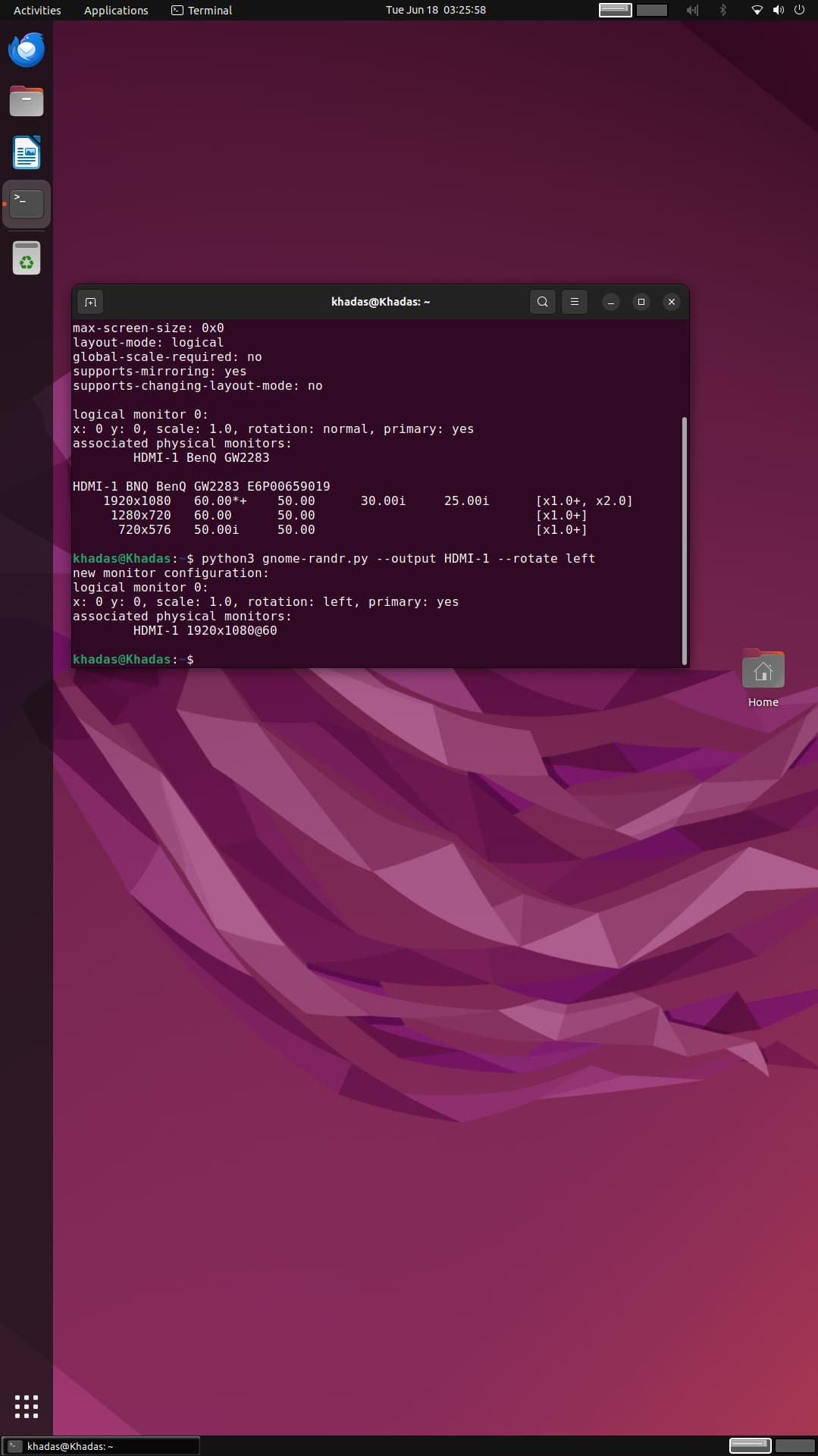
@ozgedurgut you can rotate the display orientation of desktop in wayland itself, so you can maintain GPU acceleration for smooth desktop:
Unlike X11 compositor which used to manage the display rotation previously, Under gnome Wayland this attribute is handled by mutter now.
you can follow these steps to manage the display rotation for gnome desktop
- Download this helper script:
$ wget https://gitlab.com/Oschowa/gnome-randr/-/raw/master/gnome-randr.py
- Identify the display:
$ python3 gnome-randr.py
I identify my display under HDMI-1:
- Run the command to rotate it:
$ python3 gnome-randr.py --output HDMI-1 --rotate left
your options to rotate may be normal/left/right/inverted
Regards.